Skip to content
WristCampusSPORT. CAMPUS. EVERY DAY.

THE CAMPUS COMPANION FOR YOUR GARMIN

Your class timetable.
On your Garmin watch.

Plan classes, rooms and deadlines on the web. Sync to a supported Garmin watch and see what’s next.

Bring campus to your wrist
Garmin sports watchYour campus companion
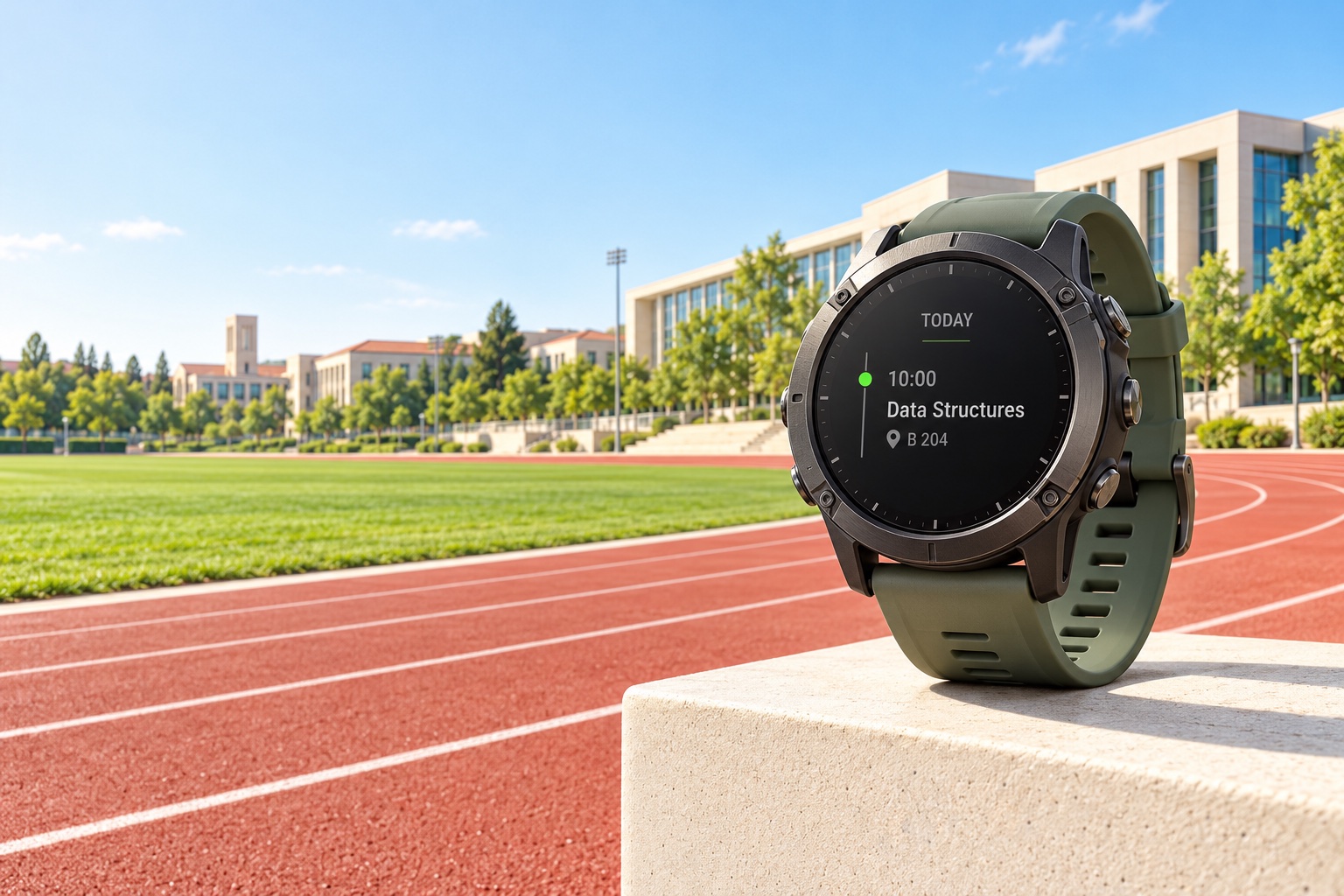
Rugged round sports watch beside an empty sunlit university running track and academic buildings
Product concept · AI-generated scene
SPORT WATCH. CAMPUS LIFE.
06:30TRACK
10:00CLASS
17:30COURT
01 / FROM TRACK TO CLASS

A GLANCE IS ALL IT TAKES

Your campus day. On your wrist.

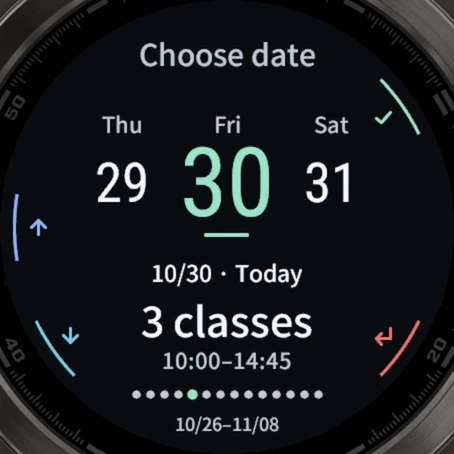
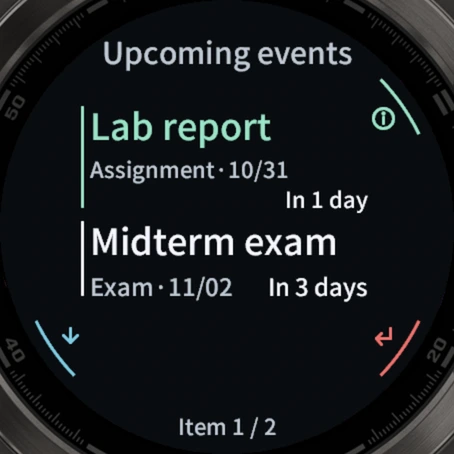
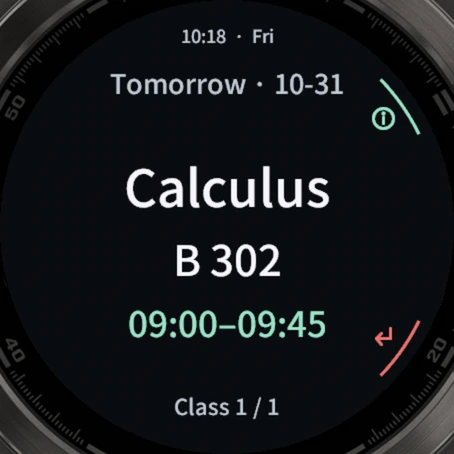
Quick glance · Current app in the simulator · Sample classes and tasks
Current app in the simulator · Sample classes and tasks

01Quick glance

A quick glance.
Your class, right there.

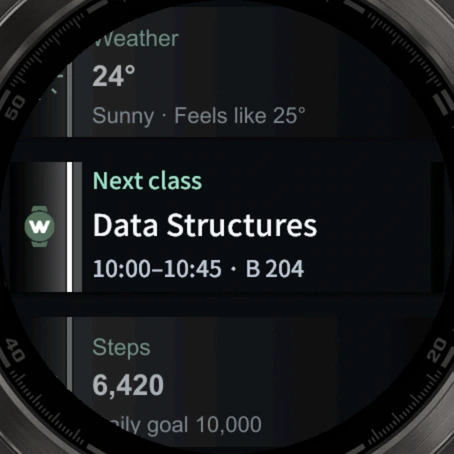
See your current or next class in your watch's glances. The class, time and room in one compact card.

01

GlanceView

Read a short class summary in your watch's glance list.

02

Follows your class

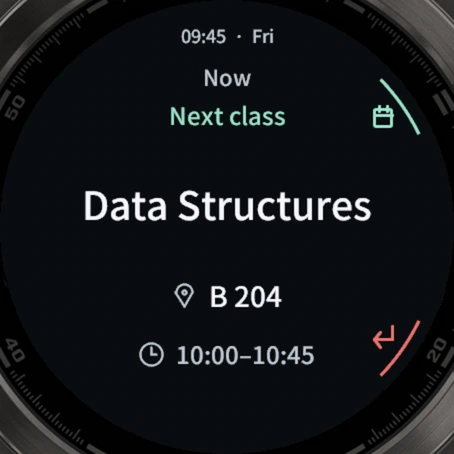
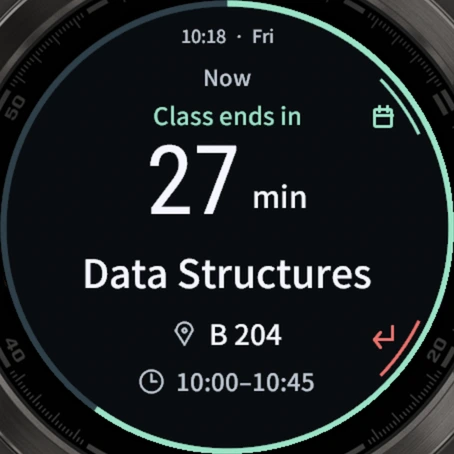
Your current class during lessons. Your next one before class and during breaks.

Glance first. Open the app when you need more detail.

01 / 06

Scroll through six campus momentsSwipe horizontally or use the left and right arrow keys to explore.

YOUR AI. YOUR CAMPUS PLANS.

Your timetable.
Just ask your AI.

Connect WristCampus to the AI assistant you use. Ask about classes, adjust your schedule and plan your tasks.

  • Ask about your day

    Check tomorrow’s classes or find a free slot.

  • Talk through changes

    Describe a change. Review it. Confirm to save.

  • Keep track of tasks

    Add assignments and exams with their deadlines.

Connect my AI assistant

For AI apps with remote MCP and OAuth · No model API key needed

INTERACTIVE DEMOSample data

Move Wednesday’s Calculus to Friday, periods 3–4.

Your AI assistant

Here’s the proposed change. Review it, then confirm to save.

Change previewAwaiting confirmation
Calculus · A302Wed, periods 1–2 → Fri, periods 3–4

Changes are saved after you review and confirm.

03 / A CONVERSATION AWAY

FIND YOUR CAMPUS COMPANION

First, find
your Garmin.

Compatible with a range of Garmin watches. Choose your exact model to take your timetable with you.

fēnix · tactix · quatix · Forerunner · Venu · vívoactive · MARQ

Support can vary by size and edition. Check the full model name.

Compatible

GARMIN

fēnix 8 AMOLED

47 mm

This model has passed compatibility checks for classes, tasks and quick glances.

Connect your watch

简体中文 / English

Chinese and English on the web and on your watch.

Two ways to connect

Start phone authorization on your watch, or link with a pairing code.

Before connecting

Install the watch app, open Garmin Connect, and keep your phone online.

View all supported watches

These models have passed simulator compatibility checks. Physical-watch testing has not covered every model. Check the exact size, generation and AMOLED edition.

  • fēnix 8 AMOLED 47 mmCompatible
  • fēnix 8 AMOLED 43 mmCompatible
  • fēnix 8 AMOLED 51 mmCompatible
  • tactix 8 AMOLED 47 mmCompatible
  • tactix 8 AMOLED 51 mmCompatible
  • quatix 8 AMOLED 47 mmCompatible
  • quatix 8 AMOLED 51 mmCompatible
  • fēnix 9 Pro 51 mmCompatible
  • fēnix E Compatible
  • MARQ Gen 3Compatible
  • Forerunner 165 Compatible
  • Venu X1 Compatible
  • vívoactive 6 Compatible
Cannot find your watch?

CHOOSE HOW YOU TAKE IT WITH YOU

Plan on the web. Take it on your wrist.

Web management is free. Add Connect when you want to sync to your watch.

WEB MANAGEMENT

Free

Ongoing access

From your semester plan to every deadline.

  • Classes, academic calendar and daily schedule
  • Class changes and task management
  • Use in a desktop or mobile browser
Start planning for free

WATCH SYNC

WristCampus Connect

Loading current plans…

Sync account classes and tasks to a supported Garmin watch.

  • Sync classes and tasks to your watch
  • View classes, countdowns and deadlines
  • Read cached content offline within its covered dates
Get Connect

Prices follow the current Whop plans. Trial eligibility, taxes and the final amount are confirmed at checkout.

Payments and subscriptions are managed by Whop.
After you save on the web, changes reach your watch at the next successful sync.

0105